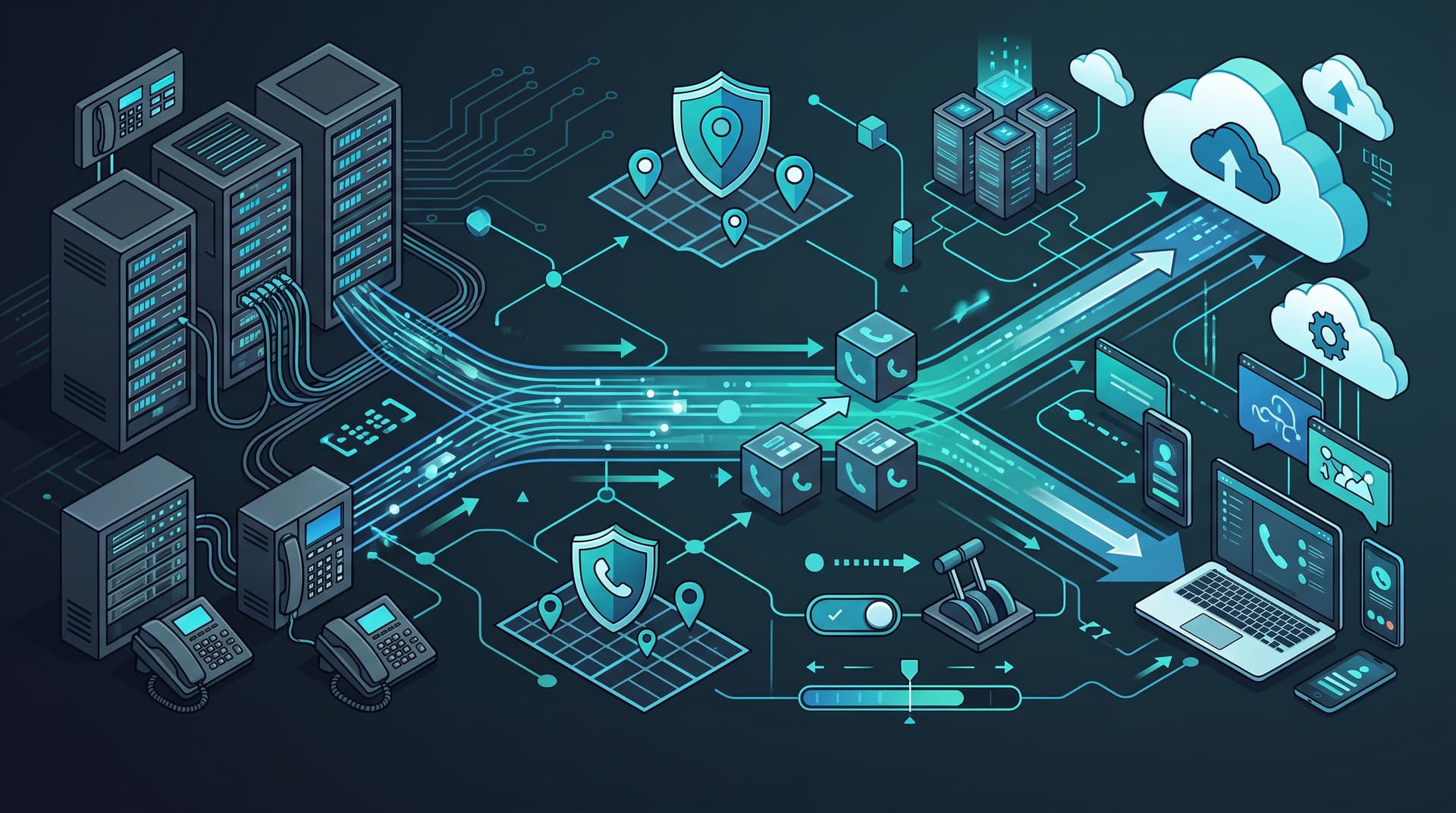
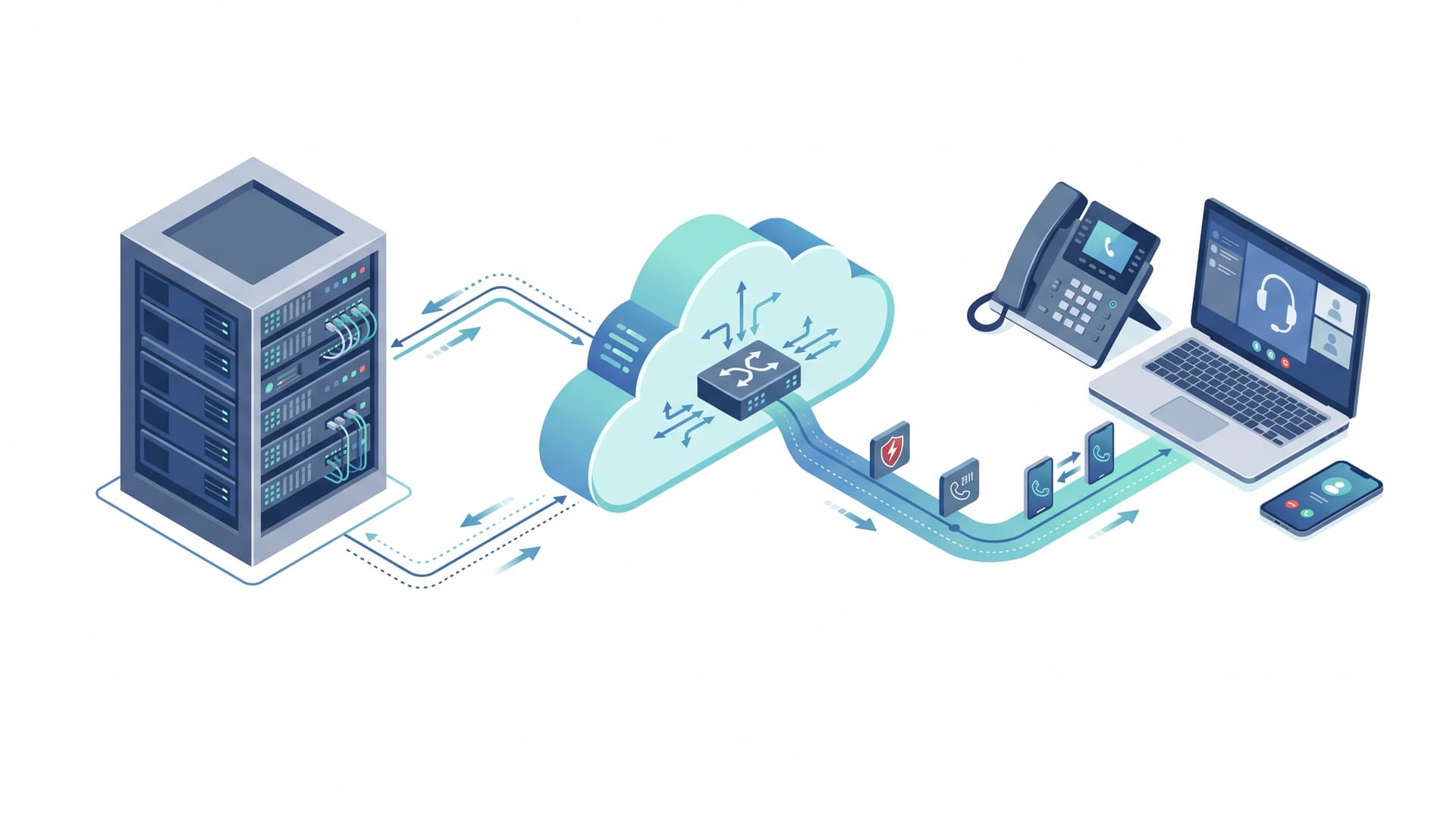
Building a Hybrid Voice Strategy: On-Premise vs. Cloud Communications\n\nUpgrading your business phone system requires balancing reliability, remote access, and budget. As organizations shift toward unified communications as a service (UCaaS), IT leads and office managers are tasked with bridging the gap between legacy infrastructure and modern collaboration tools.\n\nWhether you are considering a full cloud migration or a hybrid approach, understanding the operational and procurement nuances is critical for a seamless transition.\n\n## On-Premise vs. Cloud Voice: Finding the Right Fit\n\nThe foundation of your strategy begins with choosing where your voice infrastructure lives.\n\n* On-Premise PBX: Offers total control over hardware and data routing. It is ideal for organizations with massive legacy infrastructure investments or strict air-gapped security requirements. However, it requires significant capital expenditure (CAPEX) and ongoing internal maintenance.\n* Cloud Voice (UCaaS): Shifts costs to an operational expenditure (OPEX) model. Cloud voice enables seamless remote work, automatic updates, and built-in disaster recovery.\n* Hybrid Voice: Blends the two by maintaining on-premise hardware for critical local operations while leveraging the cloud for remote extensions and advanced collaboration features.\n\n## Microsoft Teams Phone Considerations\n\nFor many organizations, Microsoft Teams is already the hub for collaboration. Upgrading to Microsoft Teams Phone can consolidate your communication stack, but it requires careful planning:\n\n* Calling Plans vs. Direct Routing: Microsoft offers native Calling Plans, but Direct Routing or Operator Connect allows you to use a third-party telecom provider, often resulting in better rates and more flexible support.\n* Licensing Requirements: Ensure your users have the correct Microsoft 365 licenses (such as E5 or the Teams Phone add-on) before deploying.\n* Hardware Compatibility: Assess whether existing desk phones and conference room systems are Teams-certified or if SIP Gateway configurations are necessary.\n\n## Navigating E911 Requirements\n\nCompliance with emergency calling regulations is non-negotiable. In a hybrid or cloud environment where users frequently change locations, E911 (Enhanced 911) configuration is critical.\n\n* Kari's Law: Requires direct dialing to 911 without a prefix (like dialing '9' first) and mandates notifications to designated personnel when an emergency call is made.\n* RAY BAUM'S Act: Demands that a dispatchable location (such as a specific floor or suite number) is transmitted with all 911 calls, regardless of whether the user is on-site or working remotely.\n\n## Number Porting and Avoiding Downtime\n\nNumber porting is notoriously complex and is one of the most common causes of migration delays. Common downtime causes include:\n\n* Porting Rejections: Caused by mismatched business names, incorrect billing addresses, or unauthorized PINs on the existing account.\n* LAN Bottlenecks: Insufficient network bandwidth or poorly configured Quality of Service (QoS) leading to dropped calls and jitter.\n* ISP Failover Failures: Lack of redundant internet connections for cloud-dependent voice traffic.\n\n## The Ultimate Cutover Checklist\n\nTo ensure a smooth transition, follow this operational checklist:\n\n1. Pre-Migration Audit: Inventory all phone numbers, extensions, analog lines (fax, alarms), and hardware.\n2. Network Assessment: Run QoS tests to verify bandwidth can support the new VoIP traffic.\n3. Test Porting: Submit a Letter of Authorization (LOA) early and verify the exact port date with both losing and winning carriers.\n4. Configuration Testing: Set up auto-attendants, call queues, and voicemail routing before the cutover date.\n5. Day-Of Execution: Schedule the cutover during low-traffic hours. Have IT staff on standby to test internal and external routing immediately.\n6. User Training: Distribute quick-start guides for the new softphones, desk phones, or Teams Phone interface.\n\n## Conclusion\n\nTransitioning to a modern VoIP system empowers your workforce with better collaboration tools while reducing maintenance overhead. However, the migration requires meticulous planning around compliance, infrastructure, and vendor selection.\n\nReady to modernize your communication infrastructure? Plan a VoIP migration assessment with Bitscaled today to ensure a seamless transition for your team.