AI Phishing in 2025: How Criminals Are Creating Perfect Imitations (and What Your Team Missed)
TL;DR
AI has eliminated the tell-tale signs of phishing emails—bad grammar, generic greetings, and suspicious links. Attackers now use AI to scan your social media, draft perfect, personalized emails, and even impersonate your CEO's voice. Your best defense is no longer "just train employees"—it is a combination of advanced email filtering, number matching in MFA, and behavioral monitoring that catches the weird 3 AM logins.
The Phishing Playbook Has Changed (Drastically)
For decades, spotting a phishing email was straightforward: look for red flags. The sender's name was "Paypa1" (with a number instead of a letter). The message said "URGENT: Update your details NOW or your account will be closed." Grammar was broken. The link went to "secure-paypaI.com" instead of "paypal.com."
Most employees—even untrained ones—could catch these immediately.
In 2025, none of that matters anymore.
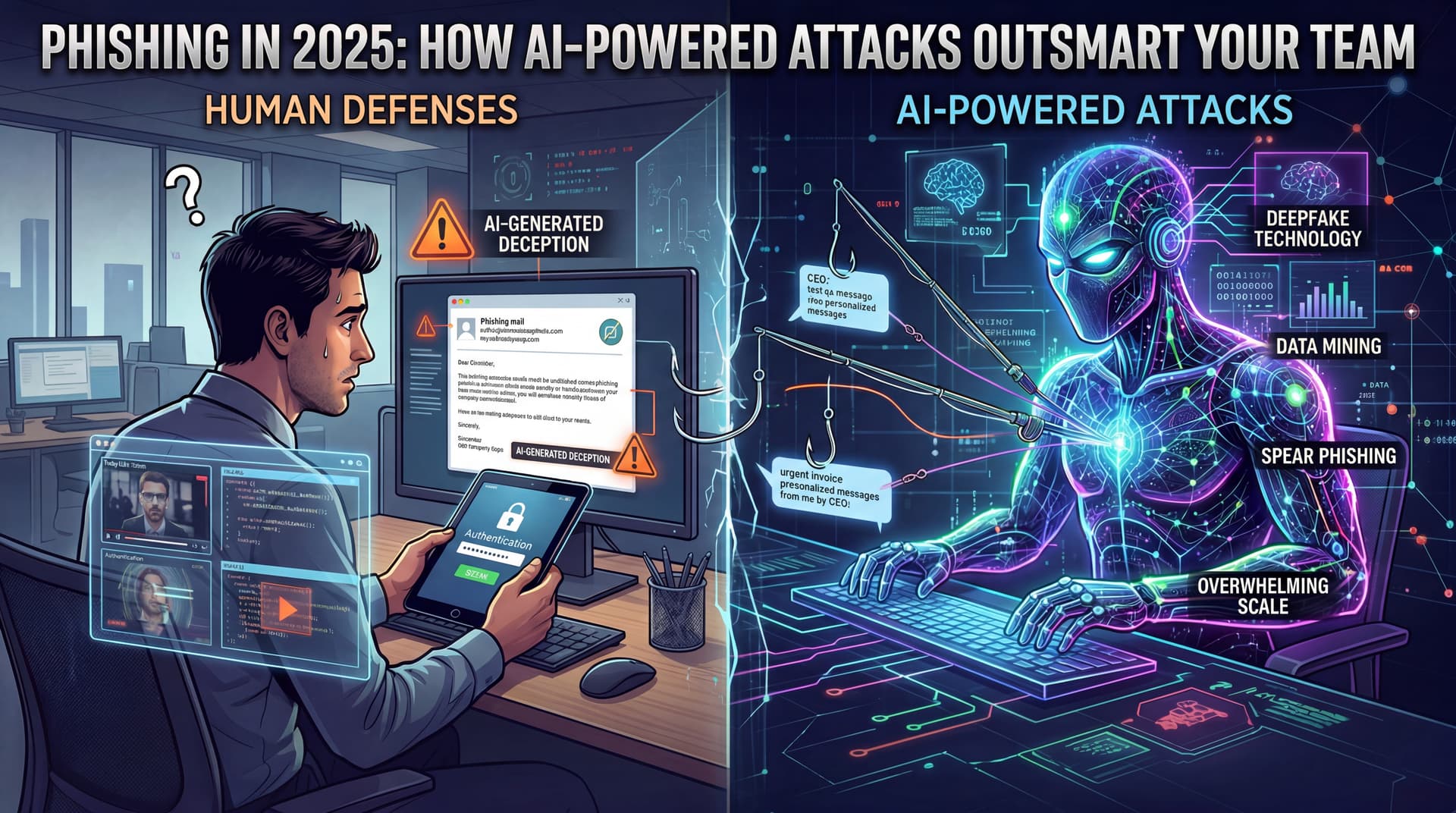
AI has fundamentally changed phishing. A criminal can now:
- Scan your LinkedIn, company website, and recent news to learn that your VP just got promoted, your company won a new contract, or a rival is launching a product.
- Generate a hyper-personalized email referencing all of that context, with perfect grammar and industry jargon, in seconds.
- Impersonate your CEO via AI deepfake video or voice cloning, demanding an urgent wire transfer.
- Create a chatbot that can have a back-and-forth conversation with your employee, answering questions and building trust over days.
The result: a phishing attack that looks, sounds, and reads like a legitimate business communication from someone your employee trusts.
The New Threat Landscape: 7 AI-Powered Attack Types
1. Hyper-Personalized Email Phishing
Traditional phishing casts a wide net. New AI phishing is a sniper rifle.
An attacker uses AI to scrape your company LinkedIn page, pulls a recent press release, notes that you just hired 10 new salespeople, and sends an email appearing to be from your recruiting team to the new hires: "Welcome to [Company]! Please complete your onboarding by clicking here and entering your credentials."
The email references the hiring announcement by date, includes your company logo, mimics your recruiting manager's tone—and looks 100% legitimate.
2. Business Email Compromise (BEC) via AI Impersonation
The CEO travels to Asia for a conference. Within the hour, an email lands in your finance person's inbox: "Still at the conference, can't do calls. Need to wire $250K to our new vendor for the supply chain agreement we discussed. Send to [account]. Let me know when it is done."
Perfect grammar. Correct context. Believable urgency.
The twist: it is not the CEO. An attacker used AI to analyze the CEO's past emails, tone, sentence structure, and current travel plans (posted on social media or the company website), then drafted a near-perfect imitation.
3. Deepfake Video or Voice Impersonation
An employee gets a Slack message or email: "Call me on Zoom—need to discuss something urgent." The video or voice on the call looks and sounds exactly like the employee's manager.
AI voice cloning and deepfake video are now good enough that the employee does not question it. The "manager" requests access credentials, a one-time code, or approval for an unusual wire transfer. By the time the real manager responds, the attacker has the information they need.
4. Spear-Phishing with Social Engineering
AI analyzes your employee's Twitter, Facebook, and professional profiles. It learns:
- They have a dog (mention the dog in the email).
- They are interested in cloud security (reference a recent industry article they read).
- They work in healthcare (cite HIPAA compliance concerns).
The phishing email reads like a vendor or colleague pitching something highly relevant to that employee's interests and job. Open rate? Probably 70%+ versus the traditional 10–15%.
5. Smishing (SMS Phishing) at Scale
AI generates thousands of personalized SMS messages in minutes, each tailored to the recipient. A healthcare employee gets a text: "Your lab results from [Local Hospital] are ready. Tap here to view." The link takes them to a fake portal that captures their credentials.
6. Real-Time Adaptive Attacks
An employee starts to get suspicious of a phishing email and hesitates to click the link. If the attacker is using AI that is monitoring the recipient's behavior, the AI can change its approach mid-attack—sending a follow-up message, shifting tone, or offering additional "proof" to overcome objections.
7. AI-Powered Ransomware Deployment
Phishing has always been the opening move for ransomware, but now AI accelerates the follow-up. Once a phishing email gets someone to click and install malware, AI identifies high-value targets inside your network (servers, backups, databases), automatically escalates privileges, and deploys ransomware within hours instead of weeks.
Why Employee Training Alone Isn't Enough Anymore
For 20 years, the solution to phishing was "better training." Send phishing simulations. Run awareness campaigns. Remind people not to click suspicious links.
This still matters. But it is no longer sufficient.
Here's why: In 2024 and earlier, phishing emails had tells. Training employees to spot those tells was effective. Now, an AI-generated phishing email is a legitimate-looking email. The sender looks real, the context is accurate, and there is no grammatical error or suspicious link to spot.
A study by Hoxhunt in 2025 showed that AI-powered phishing defeats even elite red-team exercises—meaning security professionals trained to catch phishing are falling for it just as often as regular employees.
The implication is sobering: your team's training has a ceiling.
The Defense Strategy: Layered Protection for 2025
You cannot stop all phishing with training alone. Instead, you need multiple layers that work together:
Layer 1: Advanced Email Filtering (AI vs. AI)
Deploy email security that uses machine learning to analyze incoming messages for:
- AI-generated text patterns (AI has specific linguistic markers that do not match human writing).
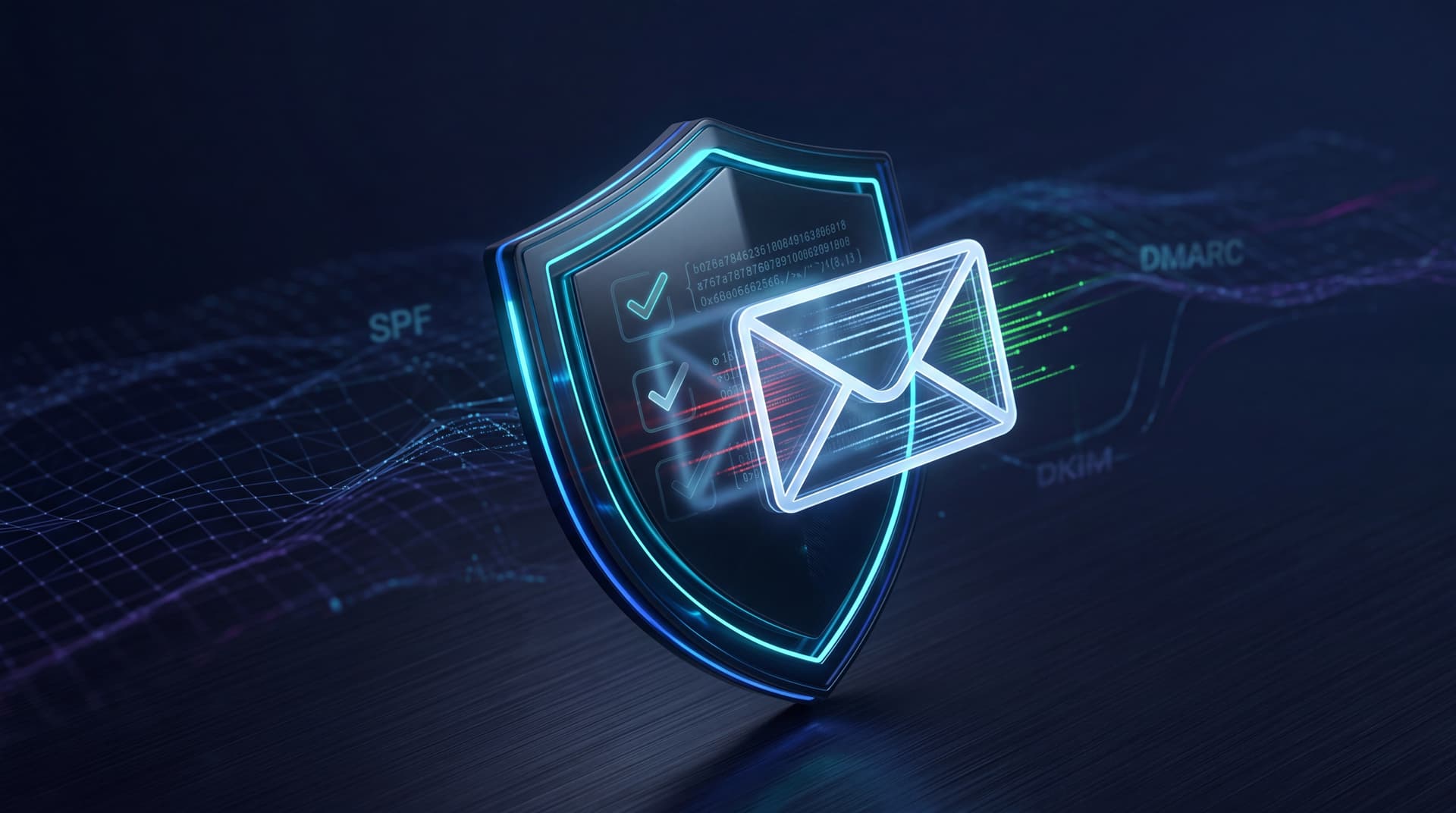
- Domain authentication (DMARC, SPF, DKIM) to ensure emails claiming to be from your CEO actually come from your CEO's email server.
- Link rewrites and click-time detection so that if an employee does click a malicious link, the system checks it in real time and blocks the destination if it is dangerous.
The key: This layer works even if your employee cannot spot the threat. The email is blocked before it reaches their inbox.
Layer 2: Strong MFA with Number Matching
If a phishing email tricks an employee into entering their password, MFA is your circuit breaker. But not all MFA is created equal.
Attackers can now spam approval requests hoping the employee will click "Approve" by accident (a "push fatigue" attack). This is where number matching comes in: the employee must look at their computer screen, see a number, and enter that same number into the Authenticator app to approve.
Result: Even if the attacker has the password, they cannot log in without physically interrupting the user's phone—and they cannot automate it.
Layer 3: Behavioral Monitoring and Anomaly Detection
A compromised credential is not necessarily a phishing failure—it is a starting point for an attacker. But if you are monitoring behavior, you can catch the attacker before they do damage.
Red flags include:
- Login from a new country at an impossible time (landed in Tampa at 9 AM, logging in from London at 10 AM).
- Accessing files the user has never touched (a salesperson suddenly viewing HR payroll records).
- Mass download of emails or data outside working hours.
- Unusual cloud sync activity (uploading gigabytes of data to a personal OneDrive).
A Security Operations Center (SOC) watching these patterns can disable the account in minutes, not weeks.
Layer 4: Employee Awareness with a Skeptical Mindset
Training still matters—but reframe it. Instead of "Do not click suspicious links" (which does not work anymore), teach employees to:
- Verify through a separate channel. If an email from your CEO asks for a wire transfer, hang up and call him on his personal number to confirm.
- Look for impossible requests. CEOs do not ask for passwords via email. Finance does not request wire transfers to new vendors without a multi-step approval process.
- Notice timeline oddities. If the sender claims to be traveling but the email is asking for something that requires immediate in-person approval, that is a red flag.
A Real-World Scenario: How It All Works Together
The Scenario:
An attacker uses AI to generate a perfect-looking phishing email, pretending to be from your IT department: "We are upgrading to Microsoft 365 Enterprise. Click here to migrate your account."
The Attack Layers:
-
Email Filtering catches it. Your email security flags the sender's domain as spoofed (the header does not match your IT domain) and blocks delivery. The email never reaches the inbox.
-
But let's say it slips through (because email filters are not 100% perfect). An employee clicks the link and enters their password on a fake login page.
-
MFA blocks it. The attacker tries to log in with the stolen password, and Authenticator sends a notification. The user did not initiate this, so they tap "Deny." The attacker is locked out.
-
Behavioral monitoring alerts IT. Your SOC sees an unusual login attempt from an unfamiliar device during non-business hours and disables the account automatically, sending a real-time alert to your IT team.
-
The user gets a call. Your IT team contacts the employee, confirms the attack, and resets the password.
Total damage: zero. Time to detection: minutes.
Your 90-Day Action Plan
30 Days: Email Security Audit
Assess your current email filtering. Does it include click-time detection? Is DMARC enforced? Can you see logs of blocked emails?
60 Days: Deploy Number Matching
Ensure all users have Microsoft Authenticator with number matching enabled. (See the companion article Microsoft Authenticator Setup Guide for SMBs)
90 Days: Start Behavioral Monitoring
Implement identity monitoring or SOC services that alert on suspicious login patterns, data access, and file movements. This is where an MSP brings immediate value—we have the tools and the eyes watching 24/7.
DIY vs. MSP: Where Expertise Wins
You can handle this yourself if:
- You have an IT team that can manage email filtering, MFA rollout, and user support.
- You are comfortable running phishing simulation campaigns and tracking results.
- You have the budget and bandwidth for continuous monitoring tools.
You should partner with an MSP if:
- You do not have dedicated IT staff.
- Phishing simulations reveal that 20%+ of employees are falling for attacks (industry average is 15–25%, but higher means you need professional intervention).
- You cannot afford to miss a single attack—one ransomware infection could cost you $100K+ in recovery.
- You need 24/7 behavioral monitoring to catch compromised credentials in real time.
MSPs do not just set up tools; we operate them. We watch email logs, respond to alerts at 2 AM, and ensure your defenses adapt as attacks evolve.
FAQs
Q: If I train employees well, do I still need advanced email filtering?
A: Yes. Even the best-trained teams will fall for AI phishing 15–30% of the time. Advanced filtering stops attacks before they reach the inbox, so training becomes a bonus layer, not the primary defense.
Q: What is the difference between a phishing simulation and a real attack?
A: Phishing simulations are controlled, safe, and designed to teach. Real attacks are personalized, contextual, and designed to steal. Real attacks often succeed because they exploit knowledge attackers have gathered about your company and employees. Simulations help build muscle memory, but they cannot teach you to spot AI phishing because (by design) AI-generated phishing has no obvious tells.
Q: Can AI deepfake calls really fool my employees?
A: Yes. AI voice cloning is now indistinguishable from real audio in most cases. The safest approach is a policy: "If someone calls and asks for credentials, a wire transfer, or sensitive access, always call them back on a number you know is correct (their direct line, company directory, or a previously verified number)."
Q: If my email is hacked, how fast can an attacker do damage?
A: With AI assistance, minutes. They can send emails to your entire contact list, extract data, or deploy ransomware while your IT team is still waking up. This is why behavioral monitoring is critical—it catches the attacker's activity, not just the initial breach.
Q: Should I disable email forwarding to external addresses?
A: Yes, if you can. It is a common tactic for attackers to forward email to an external account to exfiltrate data silently. If you need to allow forwarding for legitimate business reasons, monitor for unusual forwarding rules at least monthly.
Q: Do I need to change my passwords if an attack happens?
A: Not necessarily—if MFA blocked the attacker and they never got in. But if they accessed your account (even briefly), change your password and check for forwarding rules, app permissions, or other modifications they may have left behind.
Next Steps
Do not wait for an attack to test your defenses. Schedule a phishing simulation or a third-party security assessment to see how your team and tools perform against AI-powered threats.
Free Phishing Risk Assessment for Tampa Bay Businesses We will simulate a realistic AI phishing attack (with your permission), show you exactly where your defenses fail, and give you a roadmap to fix it before a real attacker does.