Architecting Modern SMB Security: Pragmatic Layered Defenses, MDR Economics, and First-Hour Incident Protocols
For small and mid-sized businesses, the security operational landscape has shifted dramatically. Threat actors no longer restrict sophisticated, multi-stage attacks to global enterprises; automated scanning, compromised credential brokers, and targeted spear-phishing campaigns hit organizations of all sizes every single day.
Yet, SMB IT teams face a distinct structural challenge: limited internal headcount, tight operational budgets, and an overwhelming proliferation of security software tools. Relying on a single perimeter firewall or basic antivirus protection is long obsolete. Achieving actual resilience requires a cohesive, layered security architecture—complemented by an objective evaluation of whether internal teams should handle security monitoring or leverage Managed Detection and Response (MDR).
This guide breaks down the five practical layers of modern SMB defense, provides an operational framework for evaluating MDR against traditional alert-generating tools, and outlines a calm, non-sensationalized incident response protocol for the critical first hour of a suspected breach.
The Five Pillars of a Practical Layered Defense
Layered defense (or defense-in-depth) operates on a simple reality: no single control is 100% effective. When an attacker bypasses one defensive boundary, subsequent controls must delay, detect, and isolate the intrusion before it escalates into business interruption or data exfiltration.
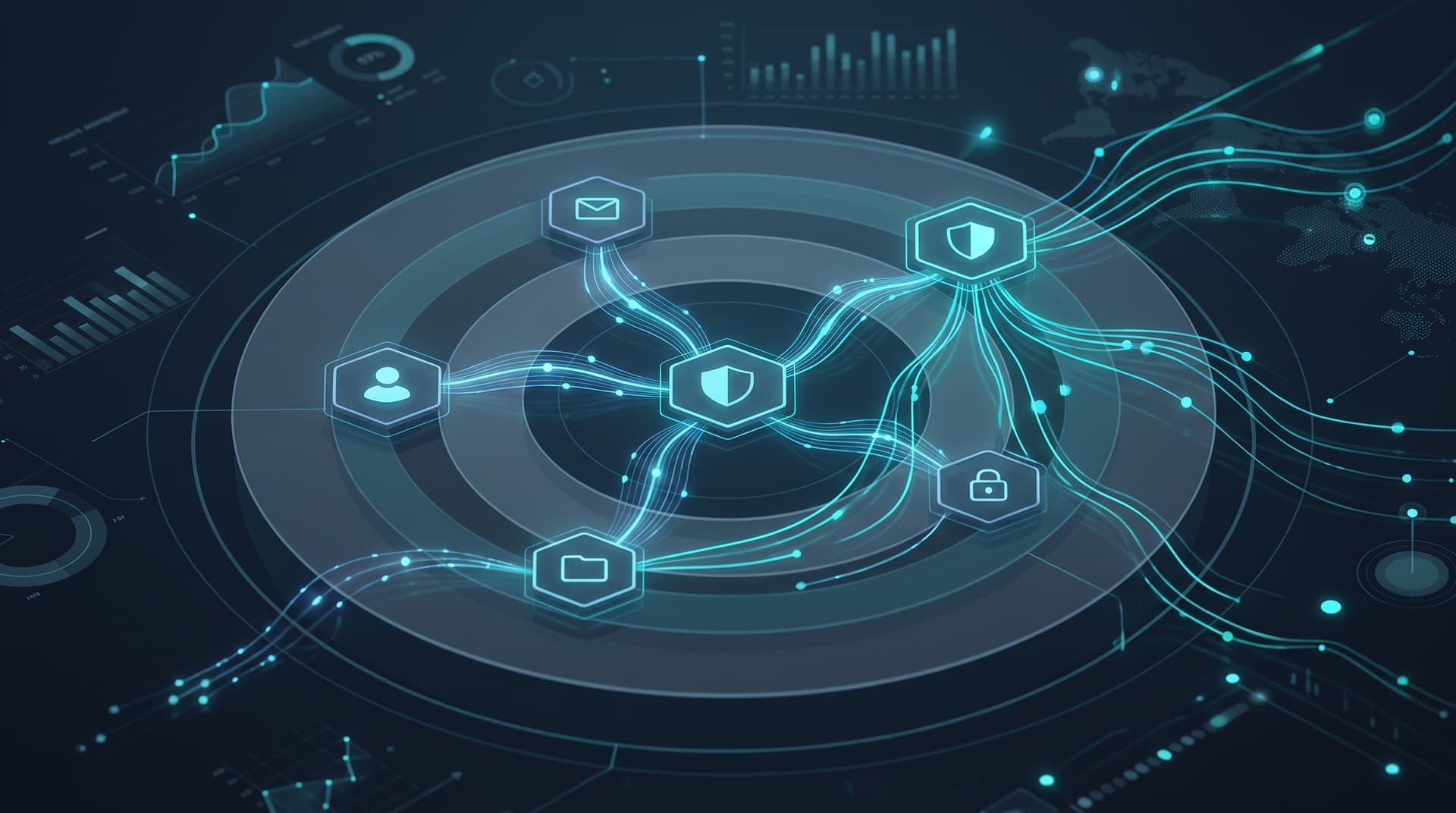
To build a functional defense without creating unmanageable administrative overhead, SMBs should structure their architecture around five primary layers:
1. Identity Protection & Access Control
Identity is the new operational perimeter. The vast majority of initial access vectors trace back to compromised credentials or session hijacking.
- Enforce Modern MFA: Phishing-resistant Multi-Factor Authentication (such as FIDO2 security keys or authenticator apps with number matching) should be mandatory for all cloud environments, remote access endpoints, and SaaS applications.
- Conditional Access Policies: Restrict logins based on risk signals, geographic constraints, compliant device status, and IP reputation.
- Least Privilege Governance: Implement Role-Based Access Control (RBAC) and eliminate permanent global administrative rights. Admin tasks should utilize temporary, elevated access sessions.
2. Email Security & Inbound Threat Filtering
Email remains the primary entry point for social engineering, credential harvesting, and business email compromise (BEC).
- API-Integrated Email Protection: Move beyond traditional gateway filters to cloud-native email security tools that evaluate message context, internal communication patterns, and link destinations in real time.
- Domain Authentication: Enforce strict SPF, DKIM, and DMARC policies (
p=reject) to prevent threat actors from spoofing your corporate domain to clients and partners. You can verify your domain configuration using the Bitscaled Email Spoof Test.
3. Endpoint Detection & Response (EDR)
Legacy signature-based antivirus cannot keep pace with fileless malware, living-off-the-land (LotL) binaries, or zero-day exploits.
- Behavioral Analysis: Modern EDR agents monitor process execution, memory modification, registry changes, and lateral network connections to spot malicious behavior.
- Automated Isolation: EDR allows administrators to isolate an infected workstation or server from the corporate network instantly via software, preserving telemetry while preventing malware spread.
4. Resilient Immutability & Backup Architecture
When preventative controls fail, operational continuity depends on data recovery resilience. Ransomware attackers actively target backup repositories before encrypting primary workloads.
- The 3-2-1-1-0 Rule: Maintain three copies of critical data on two different media types, with one offsite, one fully immutable or air-gapped, and zero errors verified through regular restoration testing.
- Immutable Storage: Utilize write-once-read-many (WORM) storage configurations in isolated cloud or target environments to prevent attackers from modifying or wiping restore points.
5. Human Response & Security Awareness
Employees are both targets and crucial security sensors.
- Contextual Training: Conduct regular micro-training modules focused on recognizing credential harvesting, wire transfer fraud, and urgent MFA fatigue attacks.
- Simple Reporting: Provide a single-click email reporting mechanism so users can easily flag suspicious messages to internal or managed security analysts.
Takeaway: Defense-in-depth is not about buying five separate software products; it is about ensuring that an identity breach does not lead to network-wide execution, and an endpoint compromise does not result in total data loss.
Evaluating MDR vs. Alert-Only Tooling: Operational Realities
Many growing organizations deploy capable security tools—such as EDR, SIEM, or cloud monitoring platform licenses—only to discover that software alone does not stop threats. Tools generate alerts; human expertise interprets and acts upon those alerts.
SMB IT managers often find themselves caught in a operational trap: Alert Fatigue. When internal IT generalists receive hundreds of notifications daily alongside user helpdesk tickets, critical security events get buried in noise.
Comparing Security Operations Models
| Operational Dimension | Internal IT + Alert-Only Tools | Managed Detection & Response (MDR) |
|---|---|---|
| Coverage Hours | Typically 8/5 (Business Hours) | 24/7/365 Continuous SOC Coverage |
| Triage Velocity | Hours to days (competing with IT tickets) | Minutes (SLAs for triage & containment) |
| Telemetry Correlation | Disjointed across separate consoles | Centralized behavioral analysis across endpoint, identity & cloud |
| Signal-to-Noise Ratio | Low (high rate of unverified alerts) | High (curated, human-validated detections) |
| Containment Action | Manual internal IT intervention required | Active hands-on-keyboard containment & host isolation |
| Staffing Overhead | High recruitment & retention burden for SOC specialists | Predictable subscription model without direct SOC payroll |
When Is MDR Worth the Investment?
Transitioning from standalone tool management to a managed SOC model via Bitscaled Cybersecurity Solutions becomes operationally and economically compelling under specific business conditions:
- After-Hours Threat Exposure: Cyberattacks frequently launch on Friday evenings, weekends, or holidays when internal staff are off-duty. If an attack unfolds at 2:00 AM on Sunday, alert-only tools will send an email that sits unread until Monday morning.
- Compliance & Regulatory Mandates: Frameworks like HIPAA, CMMC, SOC 2, and PCI-DSS increasingly require active log monitoring, centralized retention, and rapid incident response readiness.
- Cyber Insurance Requirements: Insurers routinely reject coverage or double premiums for companies that lack 24/7 endpoint detection, centralized log monitoring, and formal incident response capabilities.
- Small Internal IT Teams: If your IT team spends more time troubleshooting printers and network switches than analyzing security logs, adding another software portal will not increase security posture.
First-Hour Incident Response: Calm, Methodical Action
When a security incident occurs—whether an EDR alert triggers on suspicious PowerShell activity or an employee reports an unauthorized password reset—the first 60 minutes determine whether the event is a minor containment or a major business disruption.
Panic and aggressive actions (like unplugging all server racks or powering down domain controllers abruptly) often destroy valuable forensic evidence in volatile memory. Follow this pragmatic, step-by-step first-hour response protocol:
+---------------------------------------------------------------------------------+
|                       FIRST-HOUR INCIDENT RESPONSE SEQUENCE                     |
+---------------------------------------------------------------------------------+
|  [00-15 Min] Step 1: Initial Triage & Scope Determination                      |
|              - Verify signal authenticity; identify affected host/identity.     |
|                                                                                 |
|  [15-30 Min] Step 2: Non-Destructive Containment                                |
|              - Network-isolate endpoint via EDR; revoke compromised sessions.  |
|                                                                                 |
|  [30-45 Min] Step 3: Forensic Preservation                                      |
|              - Preserve RAM/logs; do NOT power off host completely.            |
|                                                                                 |
|  [45-60 Min] Step 4: Internal Escalation & Incident Logging                     |
|              - Notify IR team, log timelines, engage cybersecurity partners.    |
+---------------------------------------------------------------------------------+
Step 1: Rapid Triage & Scope Verification (Minutes 0–15)
- Validate the Signal: Determine if the alert represents true malicious activity or a legitimate administrative action (e.g., an IT team member running an authorized deployment script).
- Identify Key Identifiers: Pinpoint the compromised username, endpoint hostname, source IP address, and associated cloud service accounts.
Step 2: Non-Destructive Containment (Minutes 15–30)
- Isolate Network Host: Use your EDR software or network isolation controls to isolate the impacted device from the local network and internet. Leave the device powered on so volatile memory (RAM) remains intact for forensic analysis.
- Revoke Identity Sessions: Terminate active OAuth sessions, revoke refresh tokens, and reset passwords for compromised cloud and active directory accounts.
- Block External Indicators: Add verified malicious IP addresses, domain names, or file hashes to perimeter firewall and DNS filtering blocklists.
Step 3: Telemetry & Evidence Preservation (Minutes 30–45)
- Capture Memory & Volatile Logs: If trained internal staff are available, run standard forensic collection scripts to dump RAM before rebooting or shutting down systems.
- Preserve Audit Trails: Ensure audit logs in Microsoft 365, domain controllers, and cloud infrastructure are preserved and protected from log retention rollover.
Step 4: Escalation & Communications Protocol (Minutes 45–60)
- Initiate Secure Communications: Move incident communications to an out-of-band channel (e.g., a dedicated secure chat channel or phone line) in case primary email tenant systems are monitored by the threat actor.
- Engage IR Support: Contact your designated Incident Response retainer team, managed security service provider, or legal counsel as dictated by your internal Incident Response Plan.
- Document All Actions: Maintain a simple chronological log detailing exact timestamps, observed behaviors, actions taken, and personnel involved.
Takeaway: First-hour response is about rapid containment and evidence preservation. Avoid abrupt hardware power-offs whenever software network isolation is available.
Strengthening Your Defensive Posture
Security maturity is not built overnight through capital-intensive software overhauls. It is achieved through systematic evaluation, targeted investments across essential defensive layers, and operationalizing 24/7 detection capabilities.
By ensuring your identity, email, endpoint, backup, and human response layers work in harmony, you dramatically lower the probability of catastrophic business interruption. When evaluating software vs. managed operations, remember that tools only provide visibility—human expertise drives rapid containment.
Evaluating your current defensive capabilities? Assess your exposure using the Bitscaled Ransomware Readiness Scorecard, evaluate your cloud posture with the Microsoft 365 Security Snapshot, or book a comprehensive cybersecurity posture review with Bitscaled to align your operational security with your business objectives.