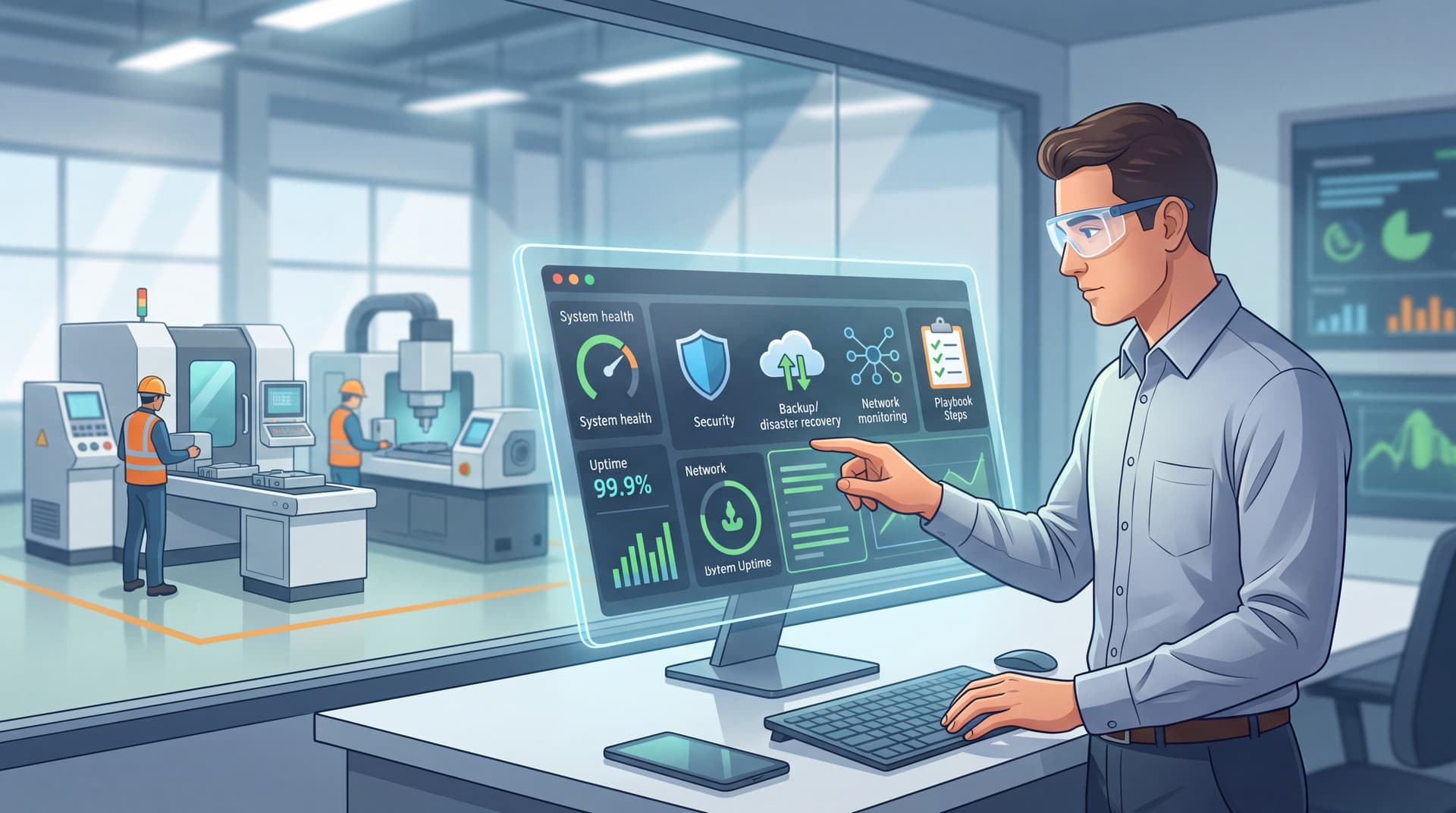
How to Prevent Unplanned Manufacturing Downtime: A 5-Step IT & Operations Playbook for Small Facilities
TL;DR
The average small manufacturing facility experiences 25 unplanned downtime incidents per month—costing between $50,000 and $150,000 per hour. Most of this downtime stems from IT infrastructure gaps: missed software patches, network misconfigurations, inadequate backup systems, poor equipment monitoring, and ransomware vulnerabilities. This playbook walks you through five concrete steps—from building a real-time monitoring system to validating your disaster recovery plan—that you can implement without replacing your entire IT infrastructure. By the end, you'll know exactly which downtime risks threaten your facility and which ones your internal team can handle versus where an MSP delivers disproportionate value.
Introduction
A production line halts unexpectedly. Orders pile up. Customer relationships strain. Your facility manager is calling IT; IT is still rebooting servers. Four hours later, the line runs again. You've just lost $200,000 to $500,000 in revenue, plus overtime, rework, and a reputation dent. This scenario plays out in manufacturing facilities across Tampa, Central Florida, and beyond—not because equipment fails, but because IT failures cascade into production failures.
According to Siemens' 2024 True Cost of Downtime report, the average manufacturing facility experiences 25 unplanned downtime incidents per month, averaging 326 hours of downtime per year. For small facilities (10–50 employees), each incident costs between $50,000 and $150,000 per hour. Yet a troubling statistic emerges: 44% of manufacturing leaders experience downtime every week or monthly, and only one in three have a modernization or resilience strategy in place.
The gap isn't equipment—it's IT infrastructure blindness.
Most small manufacturers inherit aging networks, fragmented backup systems, and outdated monitoring tools. They patch systems reactively (after a failure) instead of proactively. They rely on single points of failure: one server, one network connection, one backup strategy. When production control systems, ERP networks, or inventory management platforms go offline, the shop floor stops.
This article walks you through a 5-step IT & operations playbook designed specifically for small manufacturing facilities. You'll learn how to identify which downtime risks are IT-driven, which ones you can tackle internally, and where professional expertise delivers outsized return on investment. By the end, you'll have a practical roadmap—not a theoretical framework—to reduce unplanned downtime from 25+ incidents per month to fewer than five, protecting your revenue and your reputation.
Step 1: Map Your Production-Critical Systems & Identify IT Dependencies
Before you can prevent downtime, you must know what can fail. Most small manufacturers operate without a clear inventory of critical systems and their IT dependencies. Production control systems, ERP platforms, inventory management databases, quality tracking software, and even WiFi-enabled equipment all depend on IT infrastructure. A single misconfigured server, a missed patch, or a network failure cascades to the shop floor within minutes.
Build a Critical System Inventory
Start by documenting three things for each system:
System name and function. What does it do? (e.g., "MRP system schedules production orders")
Production impact. How long can you operate without it? (e.g., "4 hours max; after that, we lose order visibility")
IT dependencies. What infrastructure must work for this system to function? (e.g., "Database server in facility, network connectivity, cloud backup service")
This inventory doesn't need to be fancy. A spreadsheet works. The goal is clarity. For a 30-person facility, you're typically looking at 4–8 critical systems: an ERP or MRP platform, a production control system (or PLC network), inventory/warehouse management, quality management, backup power systems, network infrastructure, and WiFi/connectivity.
Identify the IT Failure Modes
For each critical system, ask: What IT things could fail that would halt production?
Common failure modes in small manufacturing include:
- Network outage (single point of failure if you have one internet connection)
- Server hardware failure (hard drive, power supply, RAM)
- Database corruption or loss (from ransomware, human error, or unverified backups)
- Software crash or configuration error (unpatched systems, bad updates, misconfigured settings)
- Loss of cloud connectivity (cloud-hosted ERP, backup services, or collaboration tools)
- Ransomware encryption (locks all production data, forces shutdown)
- Power loss (no UPS, no redundancy)
This is your risk landscape. You're not solving for all of these yet—you're just naming them.
Example: A 25-Person Contract Manufacturer
| System | Function | Downtime Impact | IT Dependencies | Failure Modes |
|---|---|---|---|---|
| ERP Platform | Order scheduling, inventory tracking | 4 hours max (production blind) | Database server, network connectivity, cloud backup service | Database corruption, network outage, ransomware |
| PLC Network | Real-time production control | Immediate (lines stop) | Network switches, control PC, firmware | Network misconfiguration, unpatched firmware, configuration errors |
| Quality Tracking App | Traceability, compliance | 24 hours (can document manually) | Cloud service, WiFi | Cloud service outage, WiFi failure, app crash |
| Inventory System | Parts availability, bin location | 8 hours (manual workaround possible) | Local server or cloud, scanner network | Server failure, scanner battery drain, network congestion |
| Backup Power (UPS) | Keeps critical systems online during grid failure | Minutes (everything shuts down) | UPS hardware, battery | Battery failure, misconfiguration, power overload |
By mapping this, you've identified where IT vulnerabilities threaten revenue. A network misconfiguration that most IT teams wouldn't notice can halt your production line.
Step 2: Implement Real-Time Infrastructure Monitoring (Before Failure Occurs)
You cannot prevent downtime if you don't know your systems are failing before they fail. Yet most small manufacturing facilities operate without real-time monitoring. Servers run at 95% CPU capacity undetected. Disk drives fail without warning. Network latency creeps up. Backups fail silently. By the time someone notices, production is already halted.
Real-time monitoring is your early warning system.
What to Monitor
For each critical system, establish monitoring for these basic metrics:
Server health: CPU usage, memory, disk space, temperature, power supply status
Network: Bandwidth utilization, latency, packet loss, uptime
Database: Size, growth rate, backup completion status, query performance
Application availability: Uptime, response time, error rates
Backup system: Successful completion, data integrity, recovery time testing
Modern monitoring tools (Datadog, New Relic, Azure Monitor, even Windows Server tools) can alert you to problems before they impact production. For example:
- If disk space reaches 80%, an alert fires before it reaches 100% and causes a crash
- If backup jobs fail, you know immediately, not when you try to recover
- If a server's CPU runs at 90%+ for 15 minutes, it signals a process failure or misconfiguration
Small Facility Monitoring Example: The Lean Approach
You don't need enterprise software. A lean monitoring stack for a 25-person facility might include:
- Windows Server monitoring (built-in, free) for on-premises servers
- Cloud provider dashboards (AWS CloudWatch, Azure Monitor) for cloud-hosted systems
- Network monitoring tool (e.g., Ubiquiti UniFi, SonicWall dashboard, or open-source Nagios) for routers and switches
- Backup verification (automated test restores monthly)
- Mobile alerts (SMS or Slack notifications when thresholds are breached)
The investment: typically $200–$500/month in tools, plus 4–8 hours monthly for setup and tuning. Compare that to a $200,000 downtime event, and ROI is clear.
Set Actionable Alerting Rules
Alerts should be:
- Specific: Not "Server is slow" but "CPU >85% for 15 min"
- Actionable: Someone knows what to do when the alert fires
- Escalating: If CPU stays high after 15 minutes, a second alert notifies your IT contact
This prevents two problems: alert fatigue (too many false alarms = ignored alerts) and blind spots (too few alerts = missed issues).
Step 3: Validate & Strengthen Your Backup & Disaster Recovery Plan
Backups are the safety net for downtime. Yet a stunning statistic persists: one in three small businesses has never tested their backups. This means 33% of manufacturers could lose everything and not know it until after the disaster.
A backup that doesn't restore is not a backup—it's a spreadsheet entry pretending to be insurance.
The Backup Reality Check
Ask your current backup provider or IT team these questions:
- When was the last backup tested? (Specifically: data was actually restored, verified for completeness, and validated for usability.)
- How long does a full recovery take? (If your ERP database is 50GB, can you restore it in 2 hours or 12?)
- Where are backups stored? (If they're on-site only, a facility fire or theft could destroy primary and backup.)
- Are backups immutable? (Can they be deleted or encrypted by ransomware, or are they write-once/read-many?)
- What data can you afford to lose? (Recovery Point Objective—RPO. If backups run nightly, you could lose 24 hours of data.)
For most small manufacturers, the honest answer to question 1 is "We're not sure" or "Not recently." Questions 2–5 reveal gaps.
A Practical Backup Architecture for Small Facilities
Here's a framework that balances cost, complexity, and safety:
Production database backups (ERP, MRP, inventory):
- Frequency: Daily snapshots + hourly incremental (for newer systems)
- Storage: Local snapshot + cloud (3-2-1 rule: 3 copies, 2 media types, 1 off-site)
- Recovery test: Monthly full restore test on a staging server
- Immutability: Cloud backups should be immutable for 30 days
Production control system (PLC/HMI configuration):
- Frequency: Weekly or after any configuration change
- Storage: On-site USB drive + cloud (configuration is small; cost is negligible)
- Recovery test: Quarterly restore to a spare controller
- Immutability: Not critical; focus on change tracking instead
Office/ERP application servers:
- Frequency: Daily
- Storage: Cloud-native (managed by provider) + local
- Recovery test: Monthly (usually provider-managed)
- Immutability: Provider-managed (most modern solutions default to immutable)
Ransomware-specific backup rule:
- One copy of backups must be air-gapped (not accessible from your network) or immutable (cannot be encrypted or deleted)
- This prevents a ransomware attack from destroying all backup copies
When to DIY vs. When to Get Help
DIY:
- Documenting what systems need backing up and why (this is strategic, not technical)
- Testing backups monthly (with IT support to guide the process)
- Setting RTO/RPO targets (how fast you need to recover, how much data loss you tolerate)
MSP/Professional Help (high ROI):
- Implementing automated backup systems (requires expertise in system integration)
- Validating backup integrity (most small IT teams skip this; experts don't)
- Configuring immutable/air-gapped backups against ransomware
- Running quarterly disaster recovery simulations (tests your whole recovery plan)
- Maintaining backup documentation and runbooks
For a small facility, a managed backup service (e.g., Datto, Veeam, or Commvault cloud) typically costs $300–$800/month and includes automated testing—a bargain against $50K–$150K/hour downtime.
Step 4: Patch, Update, and Harden Network Configuration
Outdated software and misconfigured networks are silent killers. A missed patch on a production control system, a flat network with no segmentation, or a router configuration error can silently cascade to downtime.
This step is less dramatic than backups, but equally critical.
The Patching Imperative
Every piece of software—from Windows Server to your PLC firmware to cloud applications—receives security updates and bug fixes. Each unpatched system is a potential downtime vector:
- A known vulnerability can be exploited by ransomware
- A missed bug fix can cause a crash
- An outdated driver can conflict with new hardware
Patch Management Checklist:
- Create an inventory of all software and firmware (servers, switches, PLCs, workstations, cloud services)
- Schedule patches on a cadence:
- Critical patches: Apply within 48 hours (security vulnerabilities)
- Standard patches: Apply monthly (scheduled maintenance window)
- Firmware updates: Test on a spare device first, then scheduled rollout
- Test before deploying (especially for production control systems)—a bad patch can cause more downtime than the original bug
- Document every patch (audit trail for compliance, troubleshooting)
For most small manufacturers, a monthly patch Tuesday (second Tuesday of the month) works. Critical patches are applied immediately.
Network Configuration Hardening
A misconfigured network can be as damaging as a malware infection. Common mistakes:
- All devices on one network segment (flat network) → ransomware spreads instantly to PLCs, servers, and office computers
- No firewalls between production and office → cyber threats from a compromised workstation move straight to production systems
- No network monitoring → slow performance, latency issues go undetected
- Default passwords on switches, routers, or IoT devices → unauthorized access or misconfiguration
Network hardening is not complicated; it's deliberate. You need:
- Network segmentation: Production systems isolated from office computers via firewall
- Firewall rules: Explicit allow/deny rules, not "allow everything except…"
- Device hardening: Change default passwords, disable unused services, enable logging
- Network monitoring: Real-time visibility into traffic, bandwidth, latency
A simple three-tier network for a small facility:
- Production tier (PLCs, control systems, production databases) — locked down, minimal outside traffic
- Operations tier (ERP servers, printers, file shares) — standard security, some office connectivity
- Office tier (workstations, guest WiFi) — standard corporate rules, isolated from production
Cost to implement: $2K–$10K in hardware/software, plus 20–40 hours of professional setup. Cost of a network-based production incident: $50K–$500K. Math is clear.
Outdated Hardware End-of-Life Planning
Hardware doesn't last forever. Servers running Windows Server 2012 or older, switches from 2010, or unsupported firmwares are downtime waiting to happen. Kyndryl's 2024 report found 44% of manufacturing infrastructure is nearing or past end-of-life.
Establish a hardware replacement cycle: Servers (5–7 years), switches and routers (7–10 years), workstations (4–5 years). Budget $5K–$20K annually for replacements. A planned replacement in year 5 beats an emergency server failure in year 7.
Step 5: Build an Incident Response Plan & Test It Quarterly
Despite best efforts, failures will happen. The difference between "downtime" and "catastrophe" is how fast you respond. A manufacturing facility with a tested incident response plan recovers from ransomware in days. One without a plan takes weeks.
Your Incident Response Plan Should Address
Ransomware/cyber attack:
- Who is notified first (IT lead, facility manager, owner)?
- What's the first action (isolate network, contact backup provider, engage MSP)?
- How do you restore (restore from backup, or pay ransom—how is this decision made)?
- Timeline to restore (what systems first; can you run on backup servers)?
Hardware failure (server, switch, router):
- What's the spare or failover (do you have a backup server, redundant internet)?
- How long to replace (same day, next day, or weeks)?
- Manual workarounds while you wait
Network outage (loss of internet, WiFi failure):
- Can production continue without cloud connectivity (on-premises fallback)?
- What's the manual process (paper tracking, offline mode)?
- Who contacts the ISP, when?
Data corruption (database crash, file deletion):
- How quickly can you restore from backup?
- Does backup include this data?
- Validation process (is restored data clean, complete, usable)?
Power failure:
- UPS runtime (how many minutes until battery depletes)?
- What systems are on UPS (servers, network, production control)?
- Generator capability (do you have one, is it tested)?
Document Roles & Responsibilities
When downtime happens, panic is natural. A written plan eliminates guesswork:
| Role | Person | Phone | Actions |
|---|---|---|---|
| Incident Commander | [Name] | [#] | Declares emergency, coordinates response, communicates with team |
| IT Lead | [Name] | [#] | Diagnoses technical issue, initiates recovery, escalates to MSP if needed |
| Backup/Recovery Owner | [Name] | [#] | Initiates backup recovery, validates data, monitors restoration |
| Production Manager | [Name] | [#] | Assesses production impact, communicates with employees, initiates manual workarounds |
| Customer Communications | [Name] | [#] | Notifies key customers of delays/status |
| MSP Contact | [Company] | [#] | On-call support, escalation resource |
Print this. Everyone has a copy. Rehearse quarterly.
Test Your Plan Quarterly
Quarterly test cadence:
- Month 1: Tabletop exercise (walk through scenarios, no actual systems affected)
- Month 2: Backup restoration test (actually restore a backup, verify data)
- Month 3: Network isolation drill (test manual workarounds if connectivity fails)
- Month 4: Small controlled outage (deliberately shut down a non-critical system, time recovery)
A recent example: A Tampa-area contract manufacturer ran a quarterly DR test and discovered their estimated ERP restoration time of 4 hours actually took 7 hours. They found missing steps, understaffed procedures, and a slow database migration. Had a real ransomware incident hit without testing, they'd have been blindsided. Instead, they adjusted staffing, pre-staged recovery steps, and reduced actual recovery time to 4.5 hours.
Testing costs 4–8 hours quarterly. Unexpected downtime costs $50K–$150K per hour.
FAQ: Real Questions Small Manufacturers Ask
Can we handle this ourselves, or do we need an MSP?
Short answer: You can handle inventory, RTO/RPO definition, and patch scheduling. You should get help with backup strategy, network hardening, and quarterly testing.
Most small manufacturing IT teams are overworked—managing day-to-day issues (password resets, printer fixes, software installs). Proactive infrastructure work gets deferred. An MSP adds 4–8 hours per month of focused maintenance. For $500–$1,500/month in managed services, that's leveraged expertise. The ROI becomes obvious when you avoid a $100K+ downtime event.
How much does this cost to implement?
One-time setup: $5K–$20K (network assessment, monitoring tools, backup system configuration, incident response planning, staff training).
Ongoing: $300–$1,500/month (managed backups, monitoring, quarterly testing, periodic security updates).
ROI: A single prevented downtime event (even 2–4 hours avoided) pays back 2–5 years of ongoing costs.
What's the minimum we need to do?
If budget is tight, prioritize in this order:
- Backup & disaster recovery (most critical)—test it monthly
- Real-time monitoring (alerts prevent surprises)
- Network segmentation (contains ransomware, requires one-time investment)
- Patching schedule (prevents exploits; ongoing)
- Incident response plan (free to write; critical to have)
How long does a typical implementation take?
- Weeks 1–2: Assessment, inventory, discovery
- Weeks 3–4: Planning (RTO/RPO, backup architecture, network design)
- Weeks 5–8: Implementation (monitoring setup, backup deployment, network changes)
- Weeks 9–12: Testing, staff training, refinement
Most small facilities see measurable improvement (fewer incidents, faster recovery) within 90 days.
What happens if we get ransomware—can we restore from backup?
Yes, if your backup system is properly configured and tested. The conditions:
- Backup is air-gapped (not accessible from network where ransomware runs) OR immutable (cannot be encrypted/deleted)
- Backup is tested monthly (you know it works before you need it)
- Recovery plan is documented and rehearsed
- You restore cleanly, without reintroducing malware
Facilities with these controls recover in 24–48 hours. Those without can take weeks and often end up paying ransoms.
Should we get cyber insurance?
Yes, and implement these controls. Cyber insurance covers costs (downtime, forensics, notification), but most policies require proof that you had "reasonable security measures"—which these five steps provide. Insurance + controls = comprehensive resilience.
Who do we call when downtime happens?
Your first call should be your IT contact (internal IT person or MSP). They diagnose and coordinate. If they cannot resolve in 30 minutes, escalate to your backup support (MSP, IT consultant, or trusted vendor). A written incident response plan (from Step 5) defines this—no guessing under pressure.
Go Deeper: Related Resources
These complementary Bitscaled articles extend your understanding of specific downtime-prevention topics:
Navigating the Future of Cybersecurity in the Age of AI and Cloud Computing — Understand how cloud-based infrastructure and AI-driven threat detection integrate into your resilience strategy, especially as manufacturing increasingly relies on connected systems.
Phishing in 2025: How AI-Powered Attacks Outsmart Your Team — A primary downtime driver is ransomware delivered via phishing emails. Learn how AI-powered attacks work and how to train staff to recognize them.
SMB Threat Alert: The Rise of FOG Ransomware and Why Your Passwords Are the Open Door — Ransomware is a specific downtime risk for manufacturers. This article covers emerging threats and why backup strategy is your primary defense.
What Is a Managed SOC Service: A Practical Guide for SMB Leaders — 24/7 security monitoring detects intrusions and insider threats before they cause downtime. Learn how a managed SOC complements the monitoring you've set up in Step 2.
Next Steps
Downtime prevention is not a one-time project—it's ongoing discipline. Start with what matters most:
-
This week: Build a critical systems inventory (Step 1). Use a spreadsheet; be specific about IT dependencies.
-
This month: Implement basic monitoring (Step 2) and test your backups (Step 3). Ask your current IT team or MSP to help; they should welcome the proactive approach.
-
Next quarter: Conduct a network audit (Step 4) and draft an incident response plan (Step 5). Get your team involved—buy-in from facility managers and operators is critical.
-
Ongoing: Set a calendar reminder for monthly testing (backups) and quarterly drills (incident response). These become routine and catch issues before they hurt.
If you're uncertain where to start or want a professional assessment of your current infrastructure's downtime risk, Bitscaled offers a free IT infrastructure resilience review for Tampa-area manufacturing facilities. We'll map your critical systems, identify the top three downtime vulnerabilities, and provide a no-pressure roadmap to address them. Reach out for a 30-minute conversation—no strings attached.
Closing Thought
Unplanned downtime is expensive, disruptive, and preventable. The manufacturers winning in 2025 aren't those with the newest equipment—they're the ones with IT infrastructure designed for resilience. Five steps. Four tools. One result: predictable uptime and protected revenue.
Your facility has the potential to go from 25 unplanned incidents per month to fewer than five. The difference lies not in cost, but in attention. Start with Step 1 this week.