Get a Free Dark Web: SMB Threat Alert: The Rise of "FOG" Ransomware and Why Your Passwords Are the Open Door
TL;DR
New ransomware strains like "FOG" and "Akira" are explicitly targeting small businesses in late 2025, moving away from "big game" enterprise hunting. The #1 entry point isn't complex hacking—it's stolen employee passwords. If you haven't audited your credentials or enforced strict Multi-Factor Authentication (MFA) this quarter, your risk of a business-stopping lockout is significantly higher.
Why This Matters Now
For years, many small business owners in Tampa Bay assumed they were "too small to hack." That logic is officially dead. Reports from November 2025 highlight a dangerous shift: sophisticated ransomware gangs are now deploying enterprise-grade variants—specifically one called "FOG"—against companies with 10–200 employees.
Unlike the "spray and pray" phishing of the past, these attacks are targeted and efficient. They don't break in; they log in. With credential theft now accounting for over 30% of successful breaches, attackers are simply using valid usernames and passwords bought on the dark web to walk right past your firewalls.
The New Threat: "FOG" and Credential Theft
What is "FOG" Ransomware?
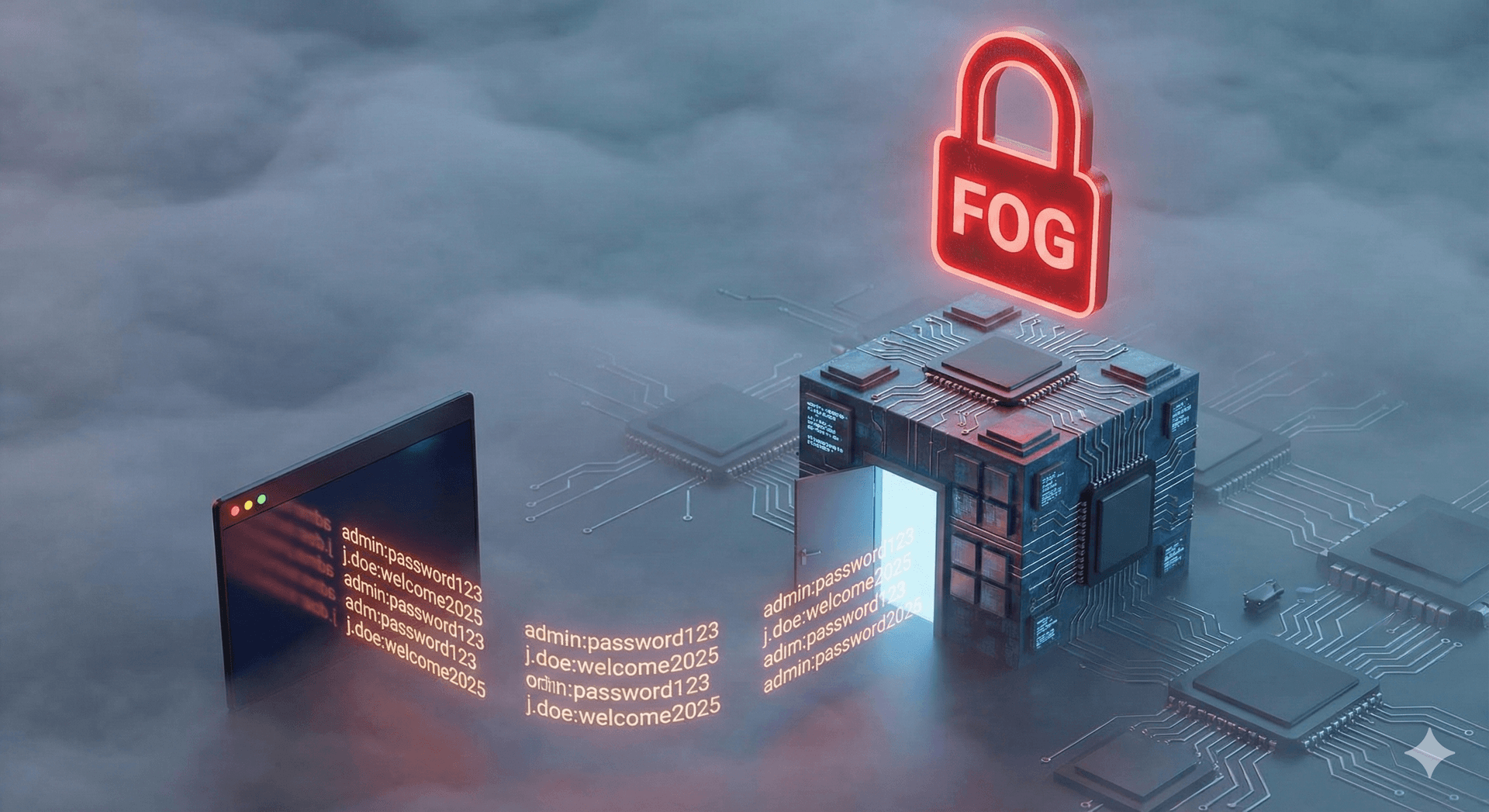
FOG is a ransomware variant that has gained traction in late 2025 for its speed and specific focus on the SMB sector. Unlike older groups that spent months planning attacks on Fortune 500s, FOG operators look for quick, high-volume wins. They encrypt critical servers and workstations rapidly, often demanding ransoms that are painful but "payable" for a small firm—typically in the $50,000 to $250,000 range.
The "Log In" Attack Vector
The most alarming trend isn't the malware itself, but how it gets there. Recent data shows that nearly one-third of all ransomware attacks on small businesses now start with compromised credentials.
- The Scenario: An employee reuses their Netflix password for their work email. That password was leaked in a breach years ago.
- The Attack: An automated bot tries that password against your Office 365 or VPN. It works.
- The Result: The attacker logs in as a legitimate user, looks around, disables backups, and deploys FOG. No "hacking" required.
3 Steps to Take in the Next 90 Days
You don't need a Fortune 500 budget to stop these attacks, but you do need to close the front door.
1. Enforce "Resistant" MFA Everywhere (Immediate)
"MFA" (Multi-Factor Authentication) is standard, but not all MFA is equal. Attackers can now bypass simple SMS text codes.
- Action: Move to "app-based" MFA (like Microsoft Authenticator) or hardware keys (like YubiKeys) for all remote access and email.
- Goal: Ensure that even if a password is stolen, the attacker cannot log in without the physical device.
2. Audit and Lock Down "Service Accounts" (30 Days)
Many SMBs have old administrator accounts (e.g., "admin," "scanner," "backup_user") that have weak passwords and no MFA. These are gold mines for FOG operators.
- Action: Identify every account with administrative privileges. Disable the ones you don't use. Change the passwords for the ones you do to 25+ characters.
3. Implement 24/7 Identity Monitoring (60 Days)
Antivirus scans files, but it doesn't scan behavior. If an attacker logs in at 3 AM from a different country using a valid password, your antivirus won't care.
- Action: Deploy an identity monitoring solution that alerts on "impossible travel" (logging in from Tampa and London within an hour) or suspicious data access.
DIY vs. MSP: Where You Need a Partner
It is tempting to just "buy a tool" to fix this. However, tools alone cannot stop a human adversary who has valid credentials.
- The DIY Trap: You buy a password manager and turn on MFA, but no one checks the alerts. An attacker bypasses MFA using a "push fatigue" attack (spamming your phone until you click "Approve"), and no one notices the suspicious login until the servers are encrypted.
- The MSP Value: We don't just set up the tool; we watch the door. A Managed Service Provider (MSP) uses a Security Operations Center (SOC) to monitor for those weird 3 AM logins and blocks the account before the ransomware is deployed. We also manage the complex configuration of "Conditional Access Policies" that prevent logins from unapproved countries or devices entirely.
FAQs
Q: I have cyber insurance. Won't that pay the ransom? A: Maybe, but only if you were not negligent. Insurers are increasingly denying claims if you cannot prove you had MFA enforced on all accounts at the time of the breach. Plus, insurance pays the money, but it doesn't give you back the 3 weeks of downtime.
Q: We are just a small law firm. Why would FOG target us? A: Because you hold sensitive client data and likely have money to pay. To a criminal, you are not a "law firm"; you are a low-risk, high-reward database.
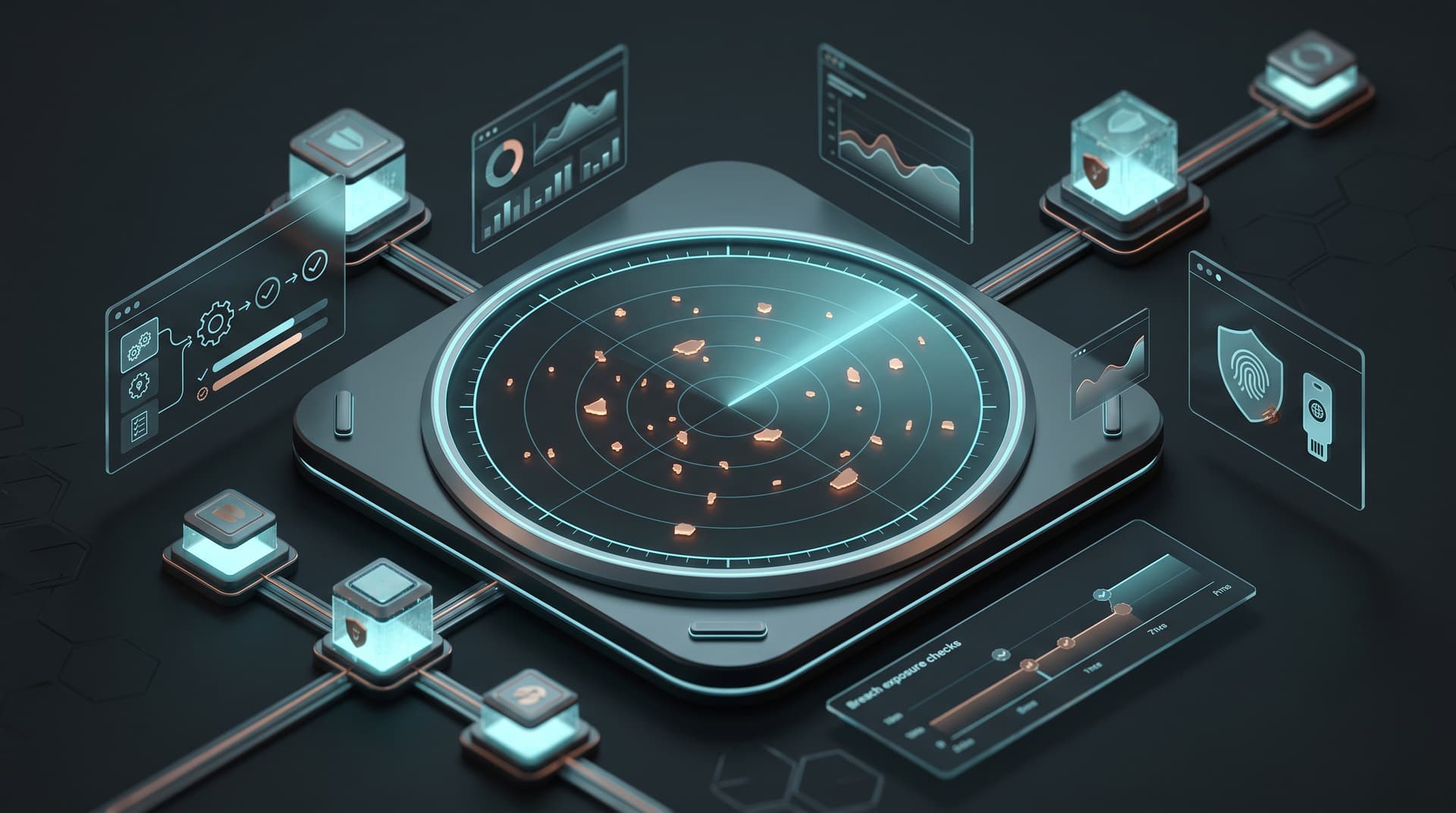
Q: How do I know if my employees' passwords are already stolen? A: You can't know for sure without checking. A "Dark Web Scan" can check your company domain against known databases of stolen credentials to see whose passwords are currently for sale.
Q: Does changing passwords every 90 days help? A: Surprisingly, no. NIST guidelines now recommend against forced rotation because it makes people choose weaker passwords (like "Spring2025!"). Instead, use long, complex passphrases and never change them unless a breach is suspected.
Q: Can’t Microsoft 365 stop this automatically? A: Microsoft provides the tools (like Conditional Access), but they are not turned on by default. They require expert configuration to balance security with usability.
Next Steps
Don't wait for a screen to turn red. If you aren't sure if your MFA is configured correctly or if your credentials are already on the dark web, start with a check-up.
Get a Free Dark Web Credential Scan for Your Tampa Bay Business